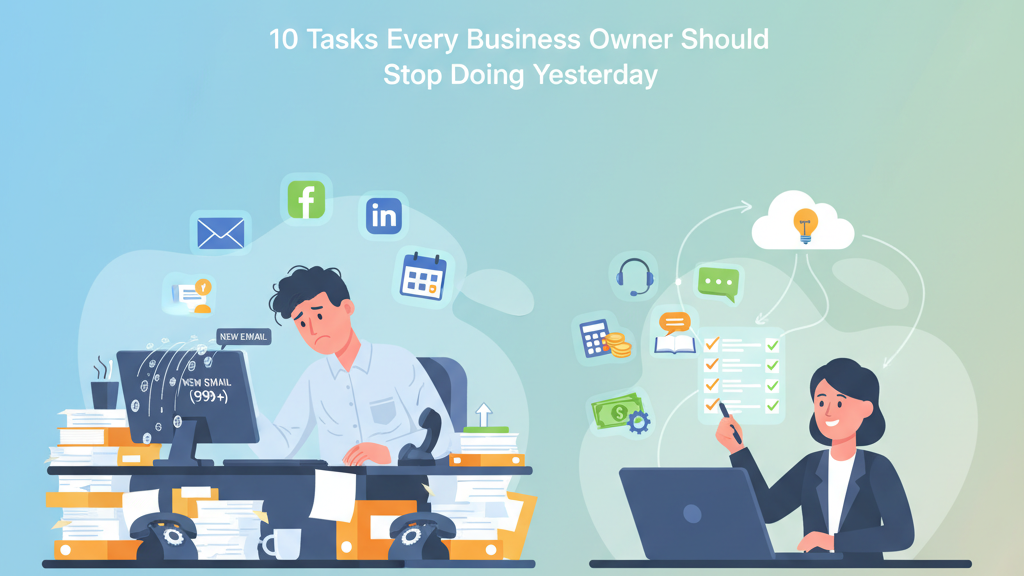
10 Tasks Every Business Owner Should Stop Doing Yesterday
Article topics (4)
Free up 20+ hours weekly by delegating these common time-wasters to skilled virtual assistants. Learn what to outsource and how to reclaim your time.
10 Tasks Every Business Owner Should Stop Doing Yesterday (and What to Delegate Instead)
Did you know the average business owner spends 40–60% of their week on routine admin work instead of high-value growth activities? That’s 20+ hours wasted every week on tasks worth $20/hour while neglecting $200/hour work that actually grows your business.
The good news? Most of these tasks can be handled by virtual assistants (VAs) for a fraction of the cost of hiring in-house staff.
1. Answering Routine Phone Calls and Emails
- Time Saved: 10–15 hours weekly
- Cost Savings: $39,000–$156,000 annually
A VA can manage your inbox, filter priority messages, and handle 80–90% of routine inquiries—freeing you up for strategic conversations.
See the ROI of delegating admin work2. Social Media Management and Content Creation
- Time Saved: 5–8 hours weekly
- Cost Savings: $19,500–$83,200 annually
Stop wasting time creating posts and chasing engagement metrics. A VA can:
- Build a content calendar
- Post consistently
- Respond to followers
- Track performance
3. Data Entry and Bookkeeping Tasks
- Time Saved: 6–12 hours weekly
- Cost Savings: $23,400–$124,800 annually
Bookkeeping VAs handle:
- Data entry
- Reconciliation
- Basic reporting
4. Appointment Scheduling and Calendar Management
- Time Saved: 3–6 hours weekly
- Cost Savings: $11,700–$62,400 annually
VAs manage complex scheduling, send confirmations, and reduce double-bookings.
5. Research and Information Gathering
- Time Saved: 4–8 hours weekly
- Cost Savings: $15,600–$83,200 annually
From competitor analysis to market trends, VAs deliver research in organized, actionable formats so you can focus on decisions—not data collection.
6. Customer Service and Support
- Time Saved: 8–15 hours weekly
- Cost Savings: $31,200–$156,000 annually
VAs handle:
- FAQs
- Ticket resolution
- Escalations
7. Invoicing and Payment Follow-up
- Time Saved: 4–7 hours weekly
- Cost Savings: $15,600–$72,800 annually
Stop chasing payments. A VA can send invoices, reminders, and maintain records—helping reduce average payment times by ~50%.
8. Website Updates and Maintenance
- Time Saved: 2–5 hours weekly
- Cost Savings: $7,800–$52,000 annually
From blog posting to minor SEO tweaks, VAs keep your site fresh and optimized—driving more traffic and leads.
9. Inventory Management and Ordering
- Time Saved: 3–8 hours weekly
- Cost Savings: $11,700–$83,200 annually
Operations VAs can track stock levels, handle supplier orders, and eliminate stockouts—reducing costs by 15–20%.
10. Travel Planning and Logistics Coordination
- Time Saved: 2–4 hours weekly
- Cost Savings: $7,800–$41,600 annually
VAs can handle everything from flight booking to itinerary changes—so you can focus on the trip, not the planning chaos.
The Big Picture: Time and Money Back in Your Pocket
Delegating these 10 tasks can:
- Save 20+ hours weekly
- Cut costs by $75K–$200K annually
- Free you up for growth and strategy
Free Delegation Checklist
Get a ready-made list of 50+ tasks you can outsource to virtual assistants today.
Download NowFAQs: Delegation & Virtual Assistants
What should I delegate first to a VA?
Start with repetitive, low-risk tasks that happen often: inbox triage, calendar coordination, invoicing follow-up, basic research, and social scheduling. These create quick wins and free up 10–15 hours/week fast.
How much does a virtual assistant cost?
Most businesses start between $800–$2,400/month depending on hours and specialization. This is typically 60–70% less than a comparable in-house role when you include taxes, benefits, and overhead.
How do I maintain quality control when I delegate?
Use simple SOPs and the CLEAR method (Context, Limitations, Expectations, Authority, Resources). Add weekly check-ins, SLAs for response times, and QA checklists for recurring work.
How many hours should I start with?
Begin with 10–20 hours/week for 30 days. Review impact and either maintain, scale up, or add a second specialist (e.g., admin + marketing).
What’s the expected ROI?
Many businesses see 3–5× ROI in the first year from time savings, faster collections, and increased capacity. Use an ROI calculator or start with a two-week time audit to quantify your baseline.
What tools do I need to work effectively with a VA?
A simple stack works: Google Workspace, a PM tool (ClickUp/Asana), a team chat (Slack), a password manager, and a file hub (Drive/Dropbox). Add Loom for quick process videos.
SEO Notes for This Post
- Primary Keyword: virtual assistant services
- Long-Tail Keywords: tasks to delegate to a virtual assistant, VA cost savings, outsourcing for business owners
- Meta Description: Free up 20+ hours weekly with virtual assistants. Discover the 10 tasks business owners should delegate today to save time and money.
- Internal Links: