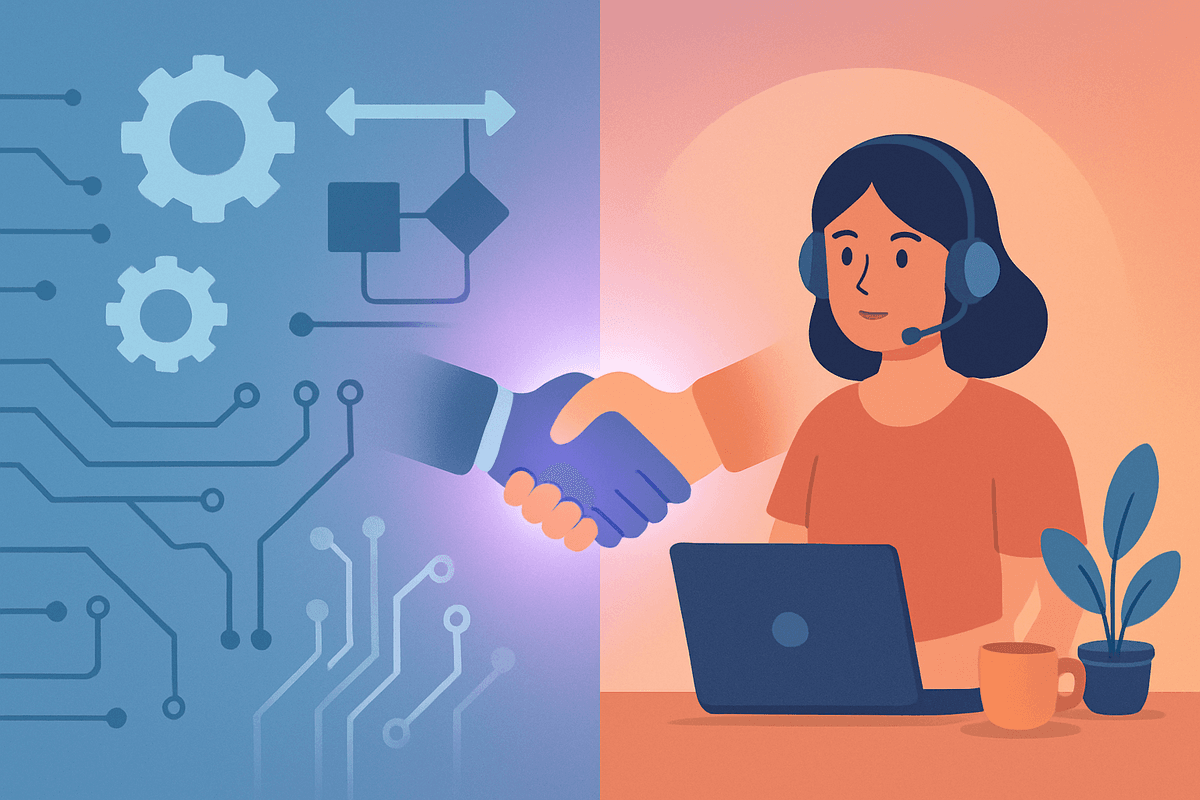
Automation + Human VA: The Hybrid Model That's Beating Full Automation in 2026
Article topics (3)
Businesses using the hybrid automation + human VA model see better results than full automation alone. Learn how to combine both for maximum productivity.
Published: February 2026 | Reading time: 8 minutes
Quick Navigation:
Let's be honest about something: automation has been oversold.
Not entirely — automation tools have genuinely transformed how businesses operate. Zapier, Make, HubSpot workflows, email sequences — they save real time on real tasks. But somewhere along the way, the narrative shifted from "automate repetitive tasks" to "automate everything," and a lot of business owners learned an expensive lesson.
They automated their customer onboarding — and new clients felt like they were talking to a machine. They automated their email follow-ups — and leads slipped through the cracks because no one noticed when a "automated" response didn't fit the situation. They automated their social media — and their accounts started feeling generic and soulless.
Automation without human oversight doesn't save time. It creates problems that cost even more time to fix.
The businesses getting the best results in 2026 aren't choosing between automation and human support. They're combining both — and the results are dramatically better than either approach alone.
Sound Familiar? Take the 2-Minute Assessment
Find out exactly where you stand and get a personalized action plan to reclaim your time.
Take Free Assessment✓ No email required ✓ Instant results
The Automation Promise vs. Reality
Here's what automation does well:
- Triggered workflows: When X happens, automatically do Y (new form submission → add to CRM → send welcome email)
- Data movement: Syncing information between systems without manual copy-paste
- Scheduling and reminders: Automated appointment confirmations, follow-up sequences, deadline notifications
- Reporting: Pulling data from multiple sources into a single dashboard
And here's where automation consistently falls short:
- Judgment calls: Should this email get a formal or casual response? Should we offer this client a discount or hold firm?
- Exception handling: What happens when a workflow breaks, a customer has an unusual request, or data doesn't fit the expected format?
- Relationship building: Personalized outreach, remembering client preferences, adapting communication style to the situation
- Quality assurance: Catching errors, verifying data accuracy, ensuring brand consistency
The hybrid model addresses both sides by putting automation where it excels and human judgment where it matters.
What the Hybrid Model Looks Like
The concept is straightforward: automate the mechanical parts, humanize the meaningful parts.
Here's how it works in practice:
The Automation Layer
Your automation tools handle:
- Data capture and routing — Forms, inquiries, and orders are automatically logged, categorized, and sent to the right place
- Notifications and triggers — Your VA gets notified when something needs attention (new lead, overdue invoice, customer complaint)
- Repetitive data operations — CRM updates, inventory syncing, report generation
- Scheduled communications — Appointment reminders, routine follow-ups, nurture sequences
The Human Layer (Your VA)
Your virtual assistant handles:
- Reviewing and personalizing automated communications before they send (or tweaking templates after they send)
- Managing exceptions when automated workflows hit edge cases
- Building relationships through personal outreach and contextual responses
- Quality control — Checking that automated processes are working correctly and catching errors
- Strategic coordination — Using automation data to make decisions and take proactive action
The Glue
The key is the handoff between automation and human. The best hybrid systems use clear rules:
- "If the lead score is above 50, auto-assign to VA for personal follow-up"
- "If a customer email contains words like 'frustrated,' 'cancel,' or 'refund,' skip the auto-response and route to VA immediately"
- "Auto-generate the weekly report, but have the VA review it and add commentary before sending to the team"
💡 The Hybrid Model in One Sentence
- Automation handles the mechanical: data capture, triggers, scheduling, routing
- Your VA handles the meaningful: judgment calls, personalization, relationships, quality
- Clear handoff rules connect the two layers seamlessly
- The result: speed of automation + quality of human attention
Five Workflows That Prove the Hybrid Model
Let's get specific. Here are five common business workflows and how the hybrid model outperforms both pure automation and pure human approaches:
1. Lead Follow-Up
Full automation: Lead fills out a form → receives an automated email sequence. Problem: generic messaging, no adaptation based on the lead's specific situation, high unsubscribe rates.
Full human: Lead fills out a form → VA manually drafts and sends a personalized email. Problem: takes 10-15 minutes per lead, not scalable.
Hybrid: Lead fills out a form → automation logs them in CRM, sends an immediate confirmation, and triggers a task for the VA → VA reviews the lead's details and sends a personalized follow-up within 2 hours. Result: personal touch at scale.
2. Client Onboarding
Full automation: New client signs up → receives automated welcome email, account setup link, and a scheduled kickoff call. Problem: feels impersonal, clients with questions are left hanging.
Hybrid: New client signs up → automation creates their account, sends login credentials, and generates a welcome packet → VA sends a personal welcome message, answers any setup questions, and confirms the kickoff call with a human touch. Result: smooth process with a warm welcome.
3. Invoice Management
Full automation: Invoice generated and sent automatically on the due date. Problem: no follow-up on late payments (or automated reminders that feel cold).
Hybrid: Automation generates and sends the invoice → if unpaid after 3 days, automation alerts the VA → VA sends a friendly, personalized payment reminder. If still unpaid after 7 days, VA makes a phone call. Result: higher collection rates without damaging relationships.
4. Social Media
Full automation: Content scheduled and posted automatically. Problem: no engagement with comments, no real-time responses, feels like the brand is on autopilot.
Hybrid: Automation handles scheduling and posting → VA monitors comments and DMs, responds personally, engages with followers, and escalates brand mentions or complaints. Result: consistent posting cadence with authentic community engagement.
5. Customer Support
Full automation: AI chatbot handles all initial inquiries. Problem: frustrated customers who can't get past the bot, missed nuances in complex issues.
Hybrid: Chatbot handles FAQs and simple requests (order status, hours, basic policy questions) → complex issues, emotional customers, and anything the bot can't resolve are routed to the VA immediately. Result: fast resolution for simple issues, empathetic handling for everything else.
How to Build Your Hybrid System
Ready to set up your own hybrid system? Here's the practical playbook:
Step 1: Map Your Workflows
List your 10 most time-consuming recurring workflows. For each one, identify:
- What's mechanical (data entry, notifications, scheduling)
- What requires judgment (personalizing communication, handling exceptions, making decisions)
- Where errors tend to happen
Step 2: Automate the Mechanical
Use tools like Zapier, Make, or native platform automations to handle the mechanical parts. Keep automations simple — the more complex they are, the more they break.
Good automation targets:
- Form submissions → CRM entry
- New customer → welcome email sequence
- Invoice due date → reminder notification
- Appointment booking → calendar invite + confirmation
Step 3: Hire a VA to Handle the Human Layer
Find a virtual assistant who is comfortable working alongside automation tools. The best hybrid VAs are tech-savvy enough to manage automated workflows and human enough to provide the personal touch that automation can't.
Key skills to look for:
- Experience with automation platforms (Zapier, Make, HubSpot)
- Strong communication and personalization skills
- Problem-solving ability for exception handling
- Attention to detail for quality assurance
Step 4: Define the Handoff Rules
Write clear rules for when automation hands off to the VA. Examples:
- "All support tickets auto-categorized. Priority 1 (complaints, cancellations) → VA immediately. Priority 2-3 → VA reviews daily."
- "All leads auto-scored. Score > 60 → VA sends personal follow-up. Score < 60 → continue automated nurture sequence."
Step 5: Review and Optimize Monthly
Meet with your VA monthly to review:
- Which automations are working well
- Where handoffs need adjustment
- What new automations could save time
- What needs more human attention
Build Your Hybrid Team
Get matched with a VA who's skilled in both automation tools and personal client management.
Find Your VAGetting Started
The hybrid model isn't complicated. It's just smart — combining the best of automation (speed, consistency, scalability) with the best of human support (judgment, empathy, creativity).
Here's the quickest path:
- Pick one workflow to start — Choose the one that's either eating the most time or causing the most customer friction
- Automate the mechanical steps — Use Zapier or your existing tools to handle data entry, notifications, and scheduling
- Hire a VA to handle the human steps — Personal outreach, quality checks, exception handling
- Define clear handoff rules — When does automation stop and your VA take over?
- Iterate based on results — Expand the model to more workflows as you see success
The businesses winning in 2026 aren't choosing between technology and people. They're using both — and the combination is more powerful than anyone expected.
Get Matched With Pre-Vetted VAs in 24 Hours
Stop struggling alone. Our AI-powered matching connects you with experienced virtual assistants who specialize in your industry.
✓ 30-day satisfaction guarantee ✓ Dedicated account manager ✓ No long-term contracts